
Watch the slow things change.
Recaptr documents visual transformations over time. Shoot progress photos on a schedule with an alignment overlay, then compile every frame into a timelapse you can watch and share.
The same frame, weeks apart.
Drag to wipe between the first capture and the latest. Lining every shot up from the same spot is what makes the change read this clearly.
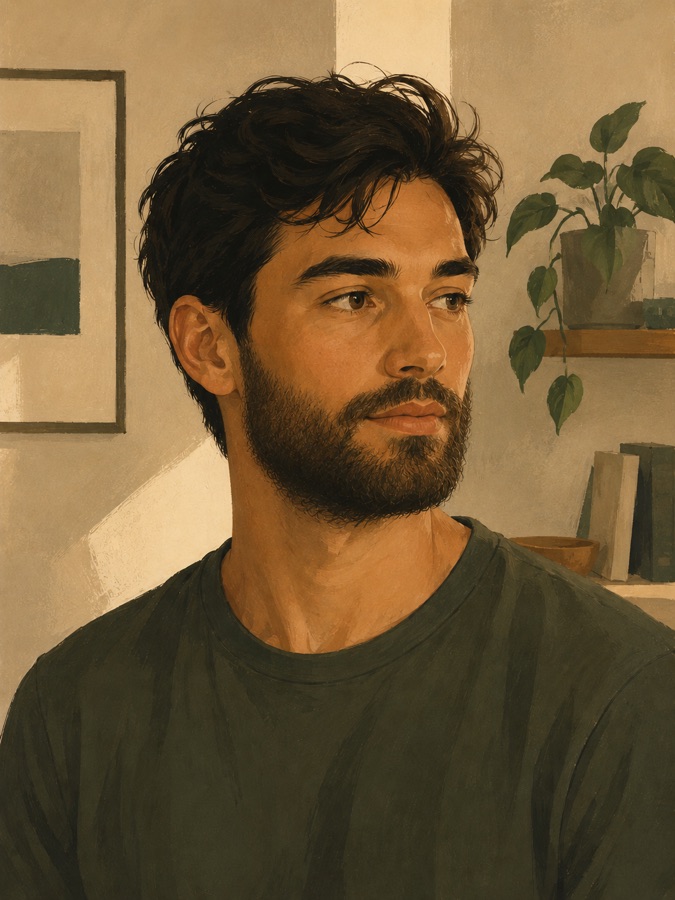
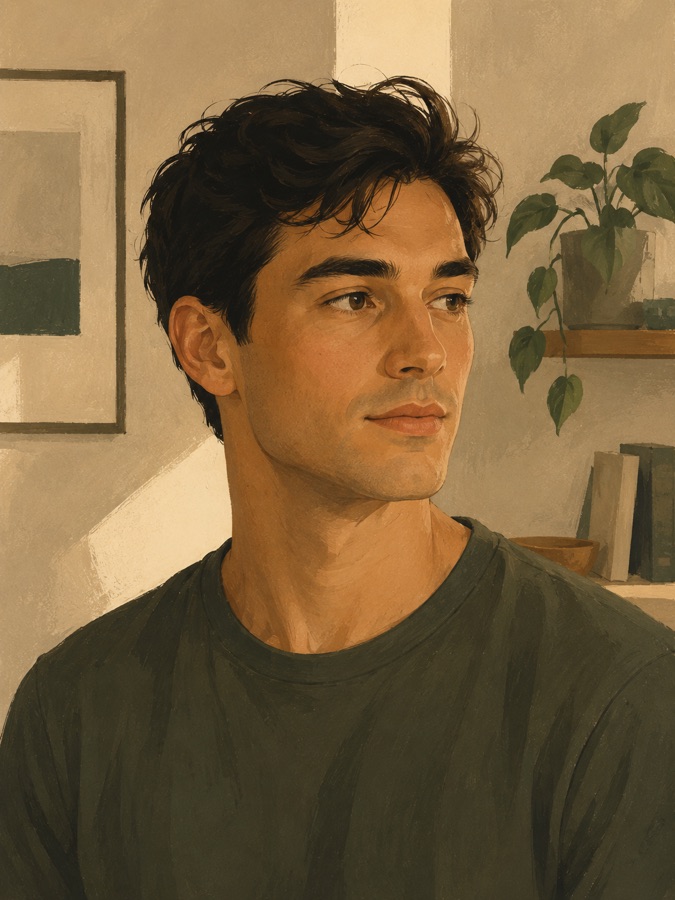
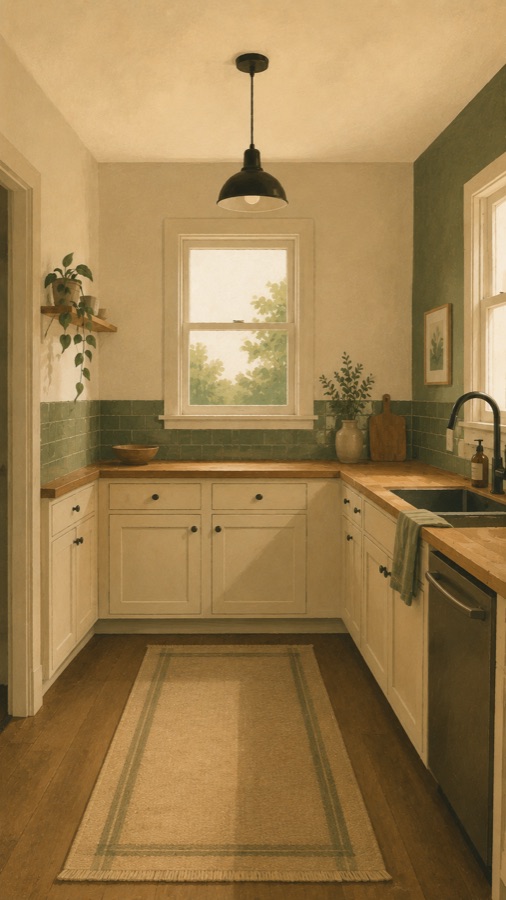
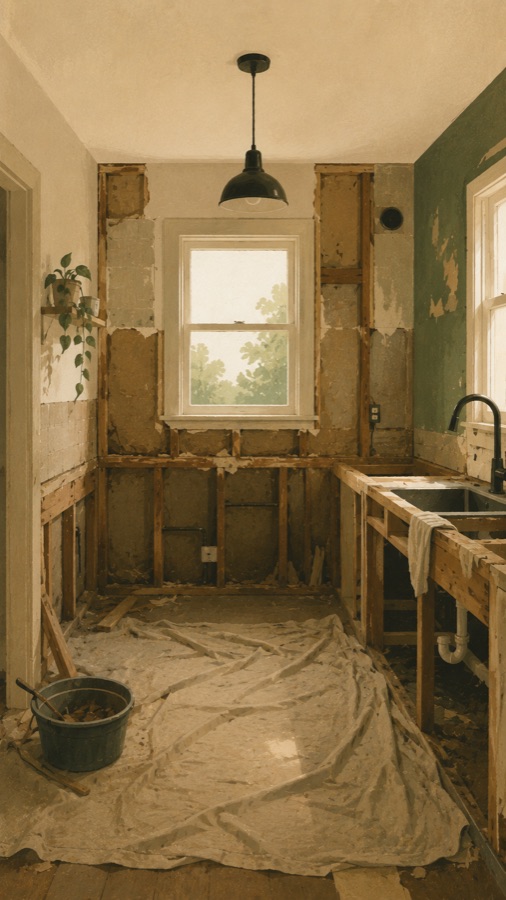
A timelapse only reads as change when every frame lines up.
Each time you capture, a faint overlay of your last photo shows through the viewfinder. Line up the window, the corner, the angle, and the subject transforms while everything around it holds perfectly still.
Three moves, repeated over time.
Start a project, return to it on a schedule, and let Recaptr stitch the series into something you can actually watch.
Start the project
Frame your subject and take the first shot. That frame becomes your reference for every capture that follows.
Return on cadence
A reminder brings you back. The overlay lines you up with last time, so each new frame slots cleanly into the series.
Play it back
Compile the captures into a smooth timelapse. Scrub through the change, then export and share the result.
Months of growth, in a few seconds.
A single subject changes too slowly to notice day to day. Drag the timeline, or hit play, and watch a season compress into one continuous shot.
From a single seed to a full bloom.
Ninety days of a marigold, captured daily and compiled into one timelapse.
Quiet, paper-warm, and built around one daily move.
No feed, no noise. Just your projects, the capture screen with its overlay, and the player where it all pays off.
Everything in one place
Pinned and ongoing projects, each a stack of every capture so far.
Watch it move
Set the length, scrub the timeline, and jump to any day in the series.
The whole timeline
The latest frame up top, every capture below, capture again in a tap.
Anything that changes if you give it time.
If the difference shows up over weeks or months, Recaptr will show it back to you in seconds.
Plants
A monstera unfurling, a seedling reaching, an orchid coming into bloom.
Renovations
A kitchen, a bathroom, a whole room, from gutted to finished.
Fitness & body
A training block or a cut, tracked honestly from the same angle.
Construction
A build going up, week by week, from foundation to topping out.
Skincare
A routine, a treatment, a breakout passing, change you'd otherwise miss.
Hair & beard
Growing it out, week by week, from the same angle every time.
Pregnancy
A bump photo a week from the same spot, nine months in one clip.
Baking
A sourdough starter rising, a long proof, the bake you never quite catch.
…and whatever else you're keeping an eye on: gardens, pets growing up, a recovery, a mural.
Start free. Upgrade when it matters.
Everything you need to capture and compile is free. Pro is for when a project becomes something you don't want to lose.
- On-device projects
- Alignment overlay & framing guides
- Capture reminders
- Timelapse export (720p, watermarked)
- Everything in Free, plus:
- Unlimited projects
- Cloud backup, never lose a capture
- 1080p exports, no watermark